Using SharedPreferences in Flutter effortlessly

We all know that SharedPreferences is a key/value store where you can read and store data very easily. It’s being used in most apps nowadays.

In Flutter, there’s a package named shared_preferences that helps us
deal with key/value data. Its documentation gives us something like this:

1
2
3
4
5
6
_incrementCounter() async {
SharedPreferences prefs = await SharedPreferences.getInstance();
int counter = (prefs.getInt('counter') ?? 0) + 1;
print('Pressed $counter times.');
await prefs.setInt('counter', counter);
}

It is really inconvenient to get the SharedPreferences instance asynchronously every time we need it. To increase reusability and reduce boilerplate code, I have an approach to save the instance of SharedPreferences and create getters/setters for the preference keys to use them anywhere in the app.

“Talk is cheap. Show me the code.” ~ Linus Torvalds

I will assume that you have already added the shared_preferences package.

First, we need to define a class to store the SharedPreferences instance. Let’s name it SharedPrefs.

1
2
3
4
5
6
7
// utils/shared_prefs.dart

class SharedPrefs {
static SharedPreferences _sharedPrefs;
}

final sharedPrefs = SharedPrefs();

Easy, right?

Then, we will define an init() method to get the SharedPreference instance and store it to the _sharedPrefs variable in the SharedPrefs class.

1
2
3
4
5
6
7
8
9
10
11
12
// utils/shared_prefs.dart

class SharedPrefs {
static SharedPreferences _sharedPrefs;
init() async {
if (_sharedPrefs == null) {
_sharedPrefs = await SharedPreferences.getInstance();
}
}
}

final sharedPrefs = SharedPrefs();

And call it in main() function.

1
2
3
4
5
6
7
8
9
// main.dart

Future<void> main() async {
WidgetsFlutterBinding.ensureInitialized();
await sharedPrefs.init();
runApp(
MyApp(),
);
}

Why called SharedPrefs.init() in the main() function? Because before runApp() is called, the app will show the splash screen. It’s a perfect moment for us to do some essential initialization for the app.

The next step is to define getters & setters for your preference keys. For example, I defined a getter and setter for getting & updating username in SharedPreferences.

1
2
3
4
5
6
7
8
9
10
11
12
13
14
15
16
17
18
19
20
21
22
23
// utils/shared_prefs.dart

class SharedPrefs {
static SharedPreferences _sharedPrefs;

init() async {
if (_sharedPrefs == null) {
_sharedPrefs = await SharedPreferences.getInstance();
}
}

String get username => _sharedPrefs.getString(keyUsername) ?? "";

set username(String value) {
_sharedPrefs.setString(keyUsername, value);
}
}

final sharedPrefs = SharedPrefs();

// constants/strings.dart

const String keyUsername = "key_username";

I also create a keyUsername constant for consistency. You will not want to use a String directly like _sharedPrefs.getString(“key_username”) and in another place use _sharedPrefs.setString(“key_user_name”, value) by mistake.

That’s it. Now you can access username ANYWHERE in the app.

1
2
3
4
5
6
7
8
9
10
11
class MyApp extends StatelessWidget {

@override
Widget build(BuildContext context) {
return MaterialApp(
home: Scaffold(
body: Text("Hi ${sharedPrefs.username}"),
),
);
}
}

Thank you for reading my blog. You can check out this gist for the full code.

Have questions? Find me at https://blog.codingteemo.me
My journey to become a programmer

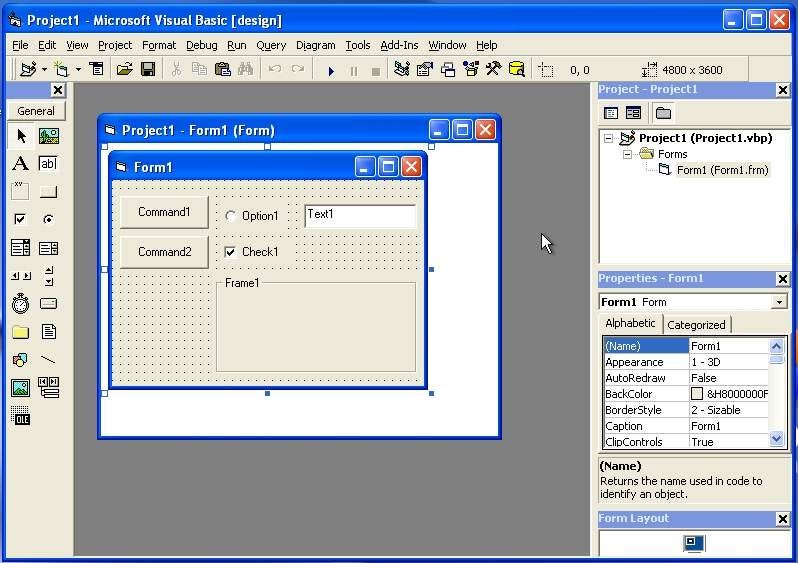
It was when I was 9, after seeing my brother got some very interesting Windows applications with his name on, I asked him how can he did such fantastic things like that. At first, he demonstrated to me how to use Visual Basic 6 IDE, and how I can create a button on the screen. Then he gave me a book — Visual Basic 6.0 self-study tutorial — this is where the journey began.

A look at Visual Basic 6.0 IDE

At that time, it’s a pity that I was only allowed to use the computer for exactly 30 minutes a day. Anyways it’s seemed to be enough for me. I kept following the book’s tutorial over & over again. Soon I started feeling bored. So I decided to make my own app. It’s a prank app, showing red screen error when opened. I tried to scare my sister with that but unluckily failed. I was not giving up and started to improve it. I picked up the book, turned some pages and started writing another prank app. This one has a hidden countdown timer. After it went out, the screen will start shaking rapidly and do not stop. After I had done a few testing, I set it up to scare my brother. Unfortunately, he killed my app using Task Manager as soon as it started shaking.

That was a great time of my life learning coding, until my sister forced me to stop learning that, as she wanted me to concentrate on studying at school. However, I still sneakily learned it when she was away. Until I was 10, my computer’s broken. But it wouldn’t stop me from coding. When I was in classes, I turned the middle pages of my notebook, drew some app user interface, and started writing code as I did on the computer.

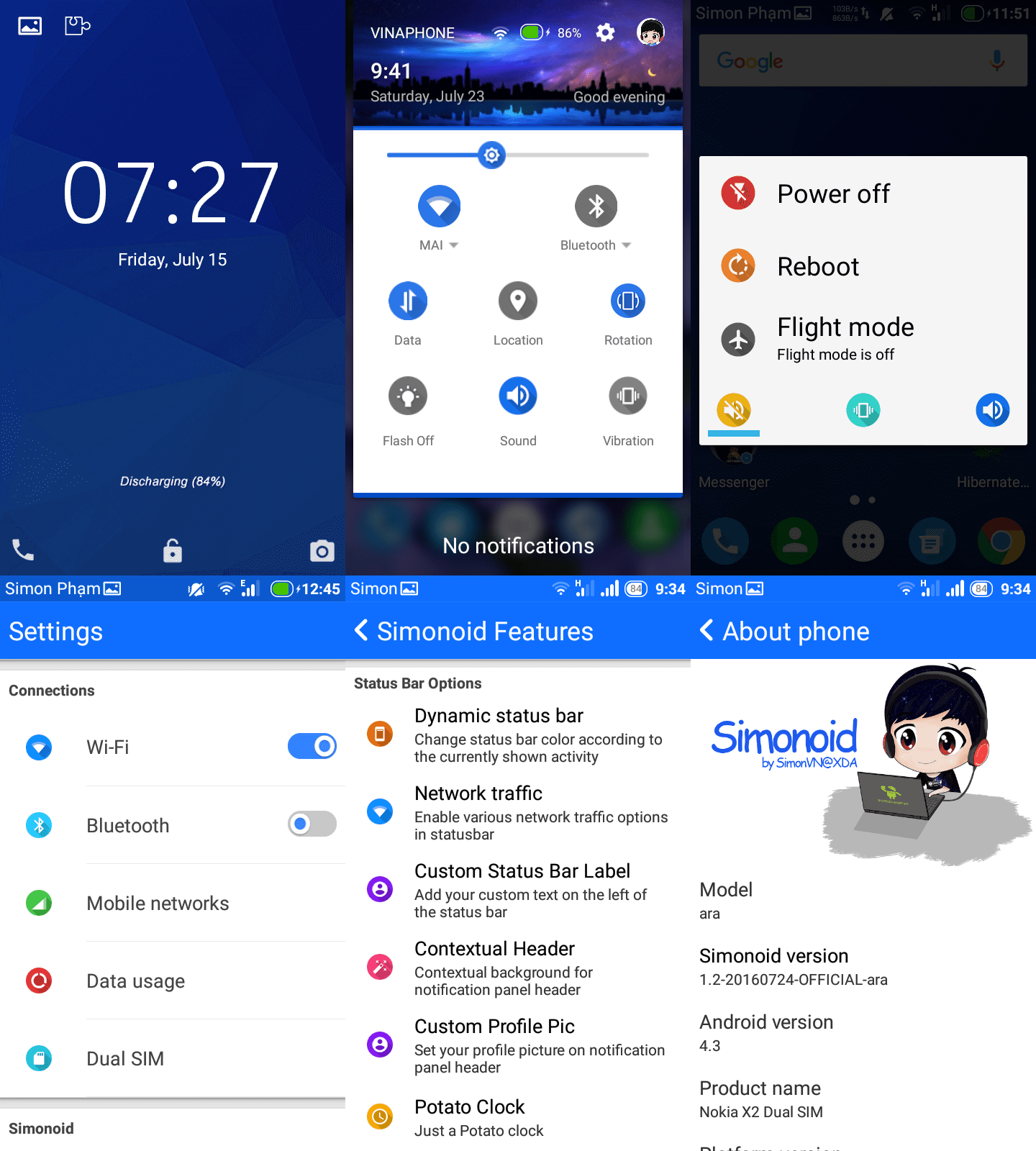
When I was 13, I got my first Android phone — LG P698. At that time, I was so jealous that there are so many phones running Android Jellybean 4.1–4.3 but mine only got Gingerbread 2.3.4. So I tried to find a tutorial on the Internet about how to upgrade an Android device. I successfully rooted & installed a custom recovery for it. Then I installed the wrong firmware of another phone model, that freaked me out. Anyway, I soon found a way to fix that. Later then, I learned how to modify the Android firmware — we, at the XDA forum, prefer to call it “cooking ROM”. I made one for my phone, and it does look great!. Three years later, I got a new phone, it’s an LG E400. I also joined LG E400 community groups on Facebook to find if there’s any interesting firmware for the phone, but there’s none. So I cooked my custom ROM for it, named Simonogen. Everyone loves it. I still did the same thing when I got a new phone — Nokia X2 — a year later. I made Simonoid for Nokia X2. This one is the best firmware for Android phone I’d ever made. It’s really much better than the original firmware from Nokia.

The best thing is, I’ve made a lot of new friends from the XDA forum as well as on Facebook groups by cooking ROM. One of them is Nguyen Triet Khang. He sent me a pm after he saw my post on XDA forum about Simonoid ROM. Khang joined HasBrain’s first batch of traineeship when he was a freshman at HCMUT in 2015. He did gain a lot of experience and skills there. He also learned to make an Android app, and it’s successfully launched with more than 10,000 active users after a few weeks. That really impressed me. So I decided to become a mobile developer then. He taught me a lot about coding — especially in Android, that help me improved a lot. I would never be that fast without him.

In May 2018, Khang suggested me to join hasBrain Training Program. I was a little nervous, so I asked some of my friends to go with me. We’re invited into some Slack channel and given an entrance test by HasBrain. I’d spent my whole Saturday at home doing it. The day after, we brought our result to present it with some candidates and Mr. Kaiwei — founder of HasBrain. I was so happy that I’d been accepted to become a trainee at HasBrain. My first sprint to become a true programmer started then.